Casa Senda3 renders · In review
•••Visual workspace for studios
Less chaos.
More ideas.
Organize projects, assets, reviews and versions. Get clear feedback and collaborate with clients without losing the thread.
Start for free ↗Renders, emails and messages everywhere.
Every project finds its place.
All your work. One view.
IA 5ESEN
Projects
Hello
Projects, assets and reviews in one place.
Search by name or description…
ProjectsCalendar
▦ AllMineSharedPendingLast edited⌄

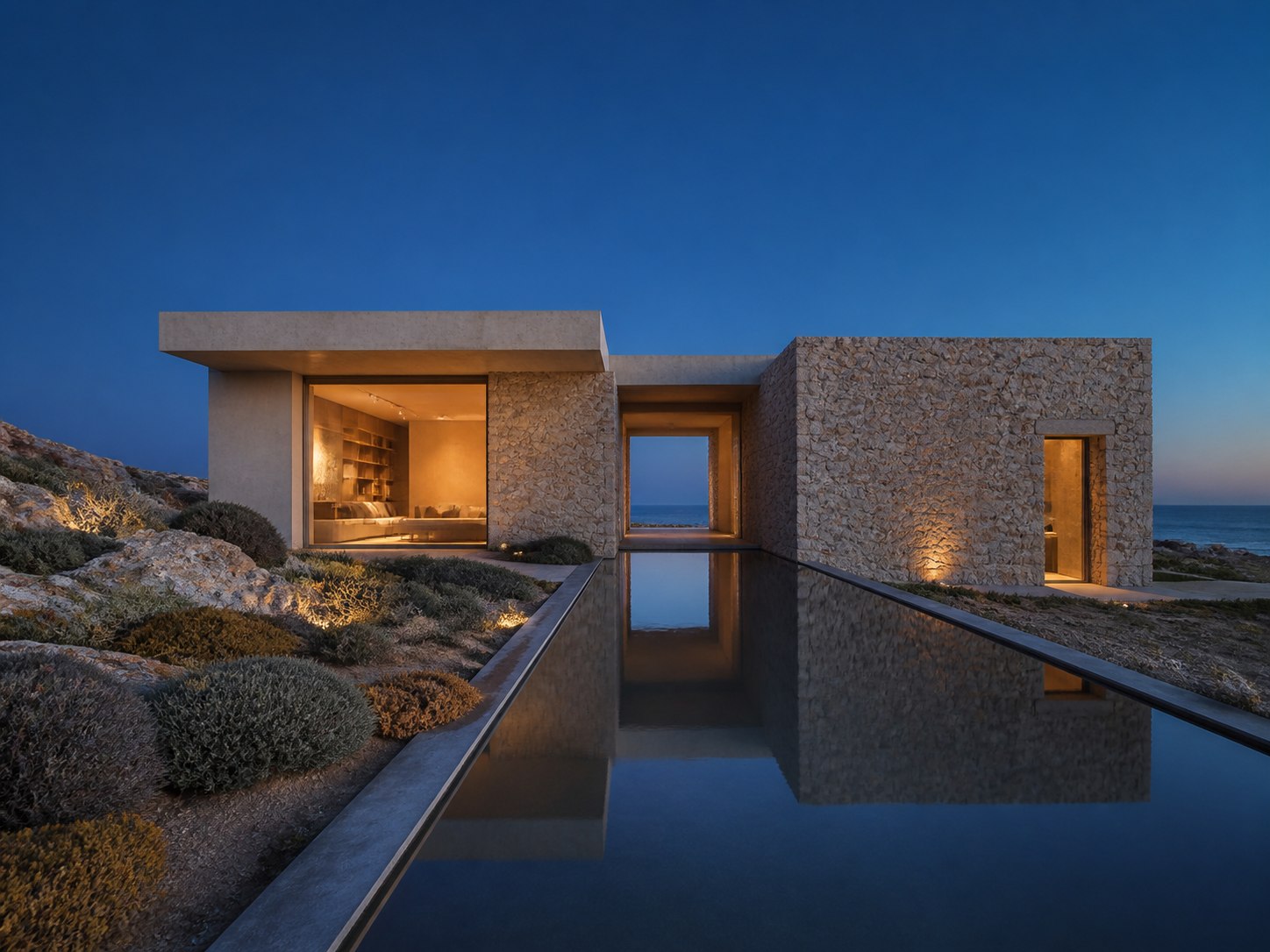



✉Email
Javier Romero
Cambios en fachada norte
Te envío las últimas observaciones del cliente sobre la entrada.
WAWhatsApp
Lucía Martín
La madera un poco más cálida
Por lo demás, esta versión nos encanta 🙌
Frictionless review
Every decision,
in context.
Precise comments on the right image. No endless email chains or scattered screenshots.
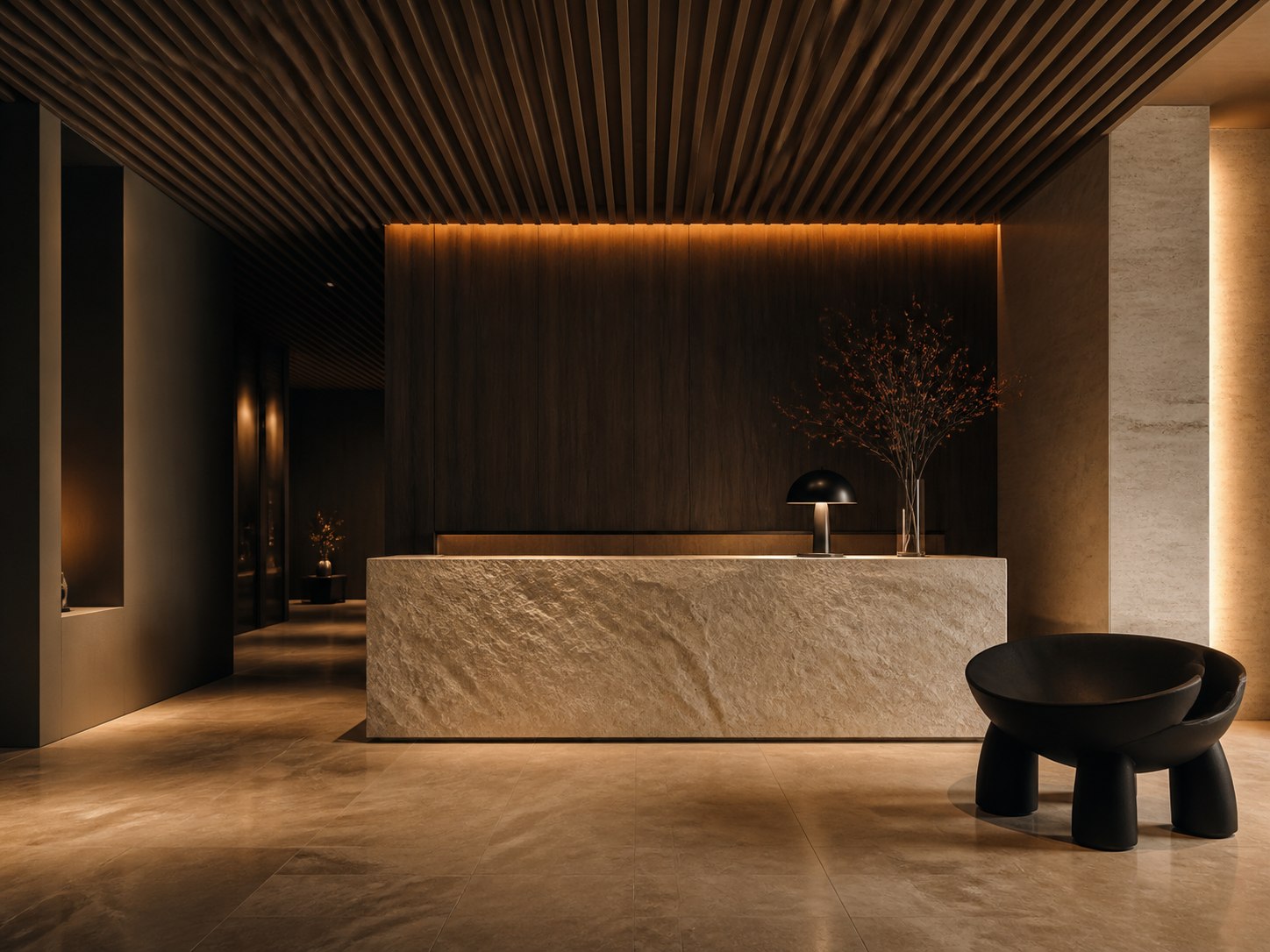
Casa Senda / Lobby final
Approved by Javier
✓
Version approved
Versions that make sense
Never again
final_final_03.
Compare, restore and understand what changed. Idear keeps the thread of every visual decision.
V1
Lobby propuesta8 ago · Elena
V2
Lobby propuesta11 ago · Elena
V3
Lobby finalToday, 11:42 · Elena
CurrentWorkflow
From briefing
to delivery.
Idear focuses visual project management: organize, review, version and decide with your client.
Projects and assets
Centralize renders, references and deliverables tied to each project.
Reviews and versions
Compare proposals, leave contextual feedback and keep approvals clear.
Collaboration
Work with your team and open Client Mode so clients can take part without friction.
Briefings
Forms
tied to the project.
Create reusable forms to collect information from your clients and keep responses associated with the project.
- Project goals
- References and constraints
- Responses saved to the project
AI tools
Speed up
visual work.
Use AI credits included in your plan for materials, backgrounds, people, vegetation, objects and style or redecoration, among other available tools.
MaterialsBackgroundsPeopleVegetationObjectsStyle / redecoration
Client Mode
Your client reviews.
Without creating an account.
With a link, clients can review published content, comment, approve, request changes and take part in the interactions you enable.
See plans ↗MC
Share Casa Senda
Anyone with this link can view and comment.
No account required
LMJR+
Plans
A plan for
every way of creating.
Start free. Move to Pro or Studio when you need more projects, storage or AI credits.
€0
Start with
the essentials.
Discover Idear and organize your first visual project.
- 1 active project
- 1 account
- 100 MB storage
- 5 AI credits
€12/month+ VAT
Your creative flow,
unlimited.
For professionals who manage projects, versions and clients every day.
- Unlimited projects
- 1 account
- 5 GB storage
- 80 AI credits / month
€24/month+ VAT
The whole team,
in one place.
For studios that need to collaborate, stay in control and work at scale.
- Unlimited projects
- 3 accounts
- 20 GB storage
- 200 AI credits / month
Prices exclude VAT. Applicable taxes are added during billing.
Available now
Make room
to ideate.
Create your free account and start organizing projects, feedback and deliveries in one place.
Start for free ↗
Warmer wood, please ↗